Description:
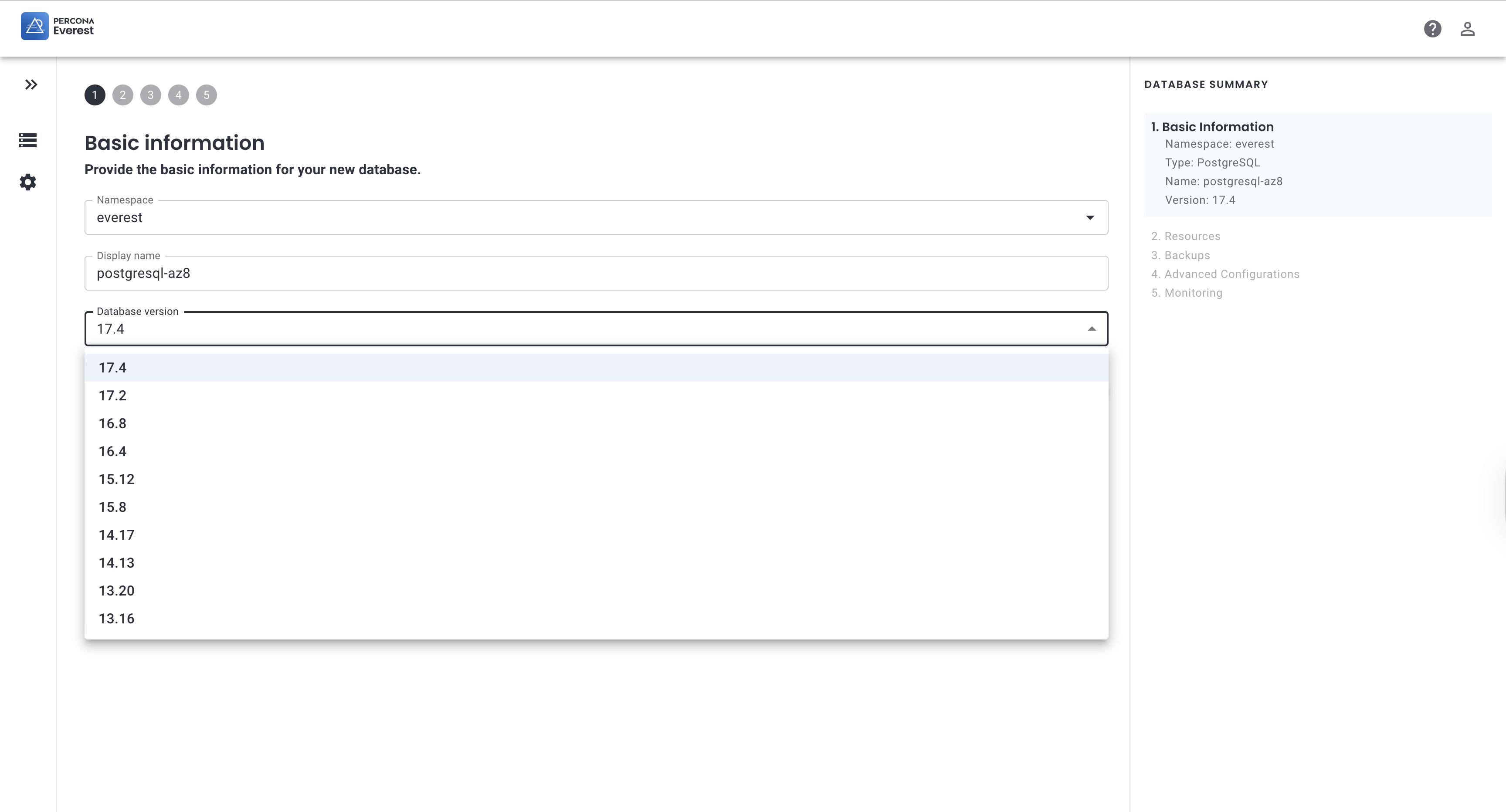
I am trying to use Percona Everest and Percona Operator to create a new PostgreSQL database with PostGIS extension enabled. However, when attempting to create the database through the Everest interface, I cannot find an option to enable PostGIS or create a PostGIS-enabled database. The current configuration have Percona PostgreSQL Operator is enabled (perconaPGOperator.enabled: true), but there appears to be no specific PostGIS support or configuration options available.
Steps to Reproduce:
- Deploy Percona Everest using the provided Helm values configuration
- Access the Everest UI
- Navigate to the database creation section
- Attempt to create a new PostgreSQL database
- Notice that there is no option to enable PostGIS extension or choose postgis
Version:
- Everest Server Image:
perconalab/everest(latest/development version based on the lab repository) - Everest Operator Image:
perconalab/everest-operator - Percona PostgreSQL Operator: Enabled (version managed by Everest)
Expected Result:
When creating a new PostgreSQL database through Percona Everest, there should be an option to:
- Enable PostGIS extension during database creation
- Select a PostgreSQL image that includes PostGIS support
- Configure PostGIS
Actual Result:
The Everest interface only provides standard PostgreSQL database creation options without any PostGIS-specific configurations or extension enablement options. There is no visible way to create a PostGIS-enabled database through the UI